Fast, flexible checkout
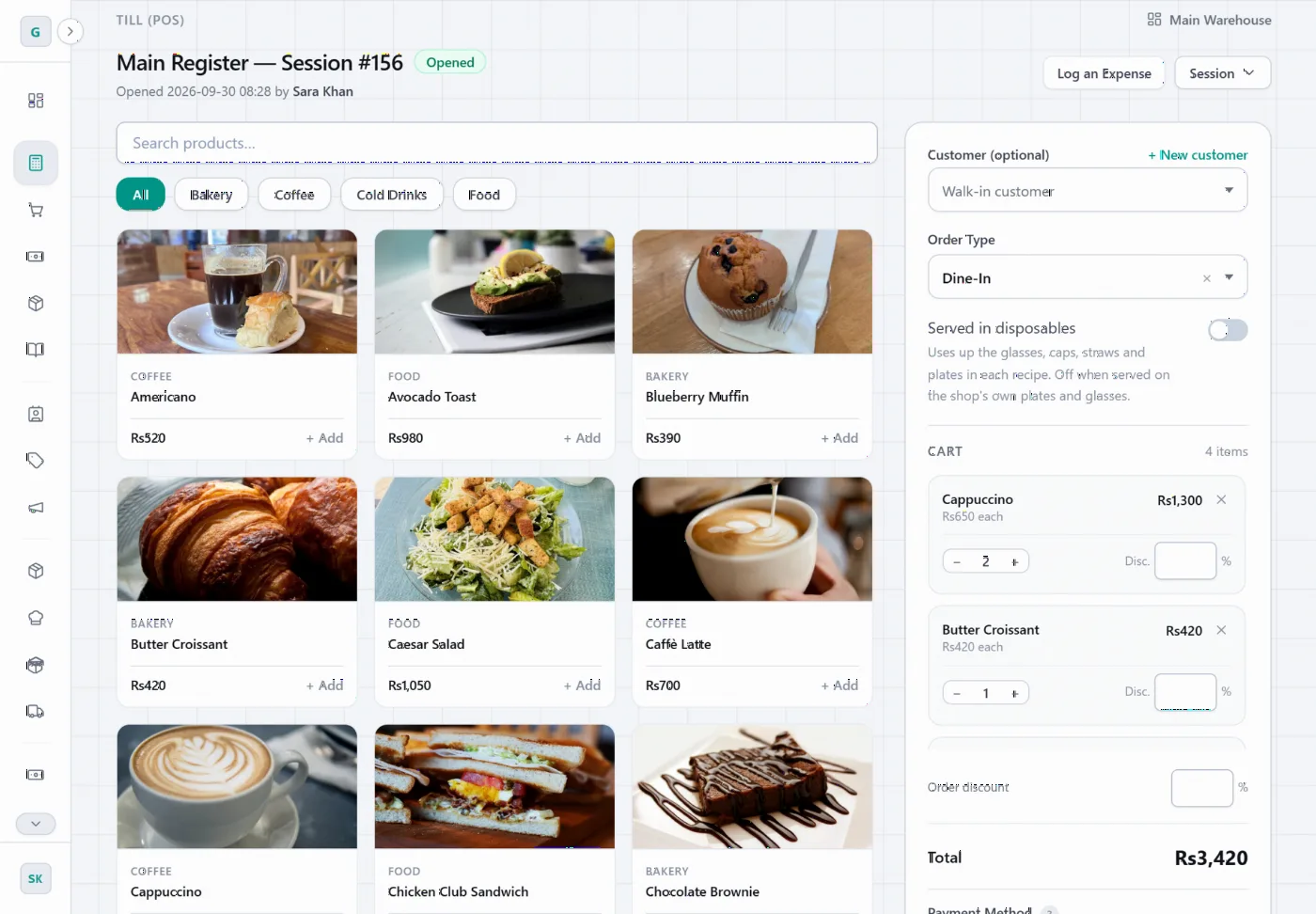
Cash, card and split payments, tips, discounts, and dine-in or take-away orders.
Cloud ERP for cafés, restaurants & shops
POS, inventory, recipes, purchasing and accounting — connected in real time, paperless, and accessible from anywhere.
How it works
Selling, stock, buying and bookkeeping live in one system — so nobody types the same thing in twice.
A cashier taps the items and takes cash, card or a split payment — with tips and discounts.
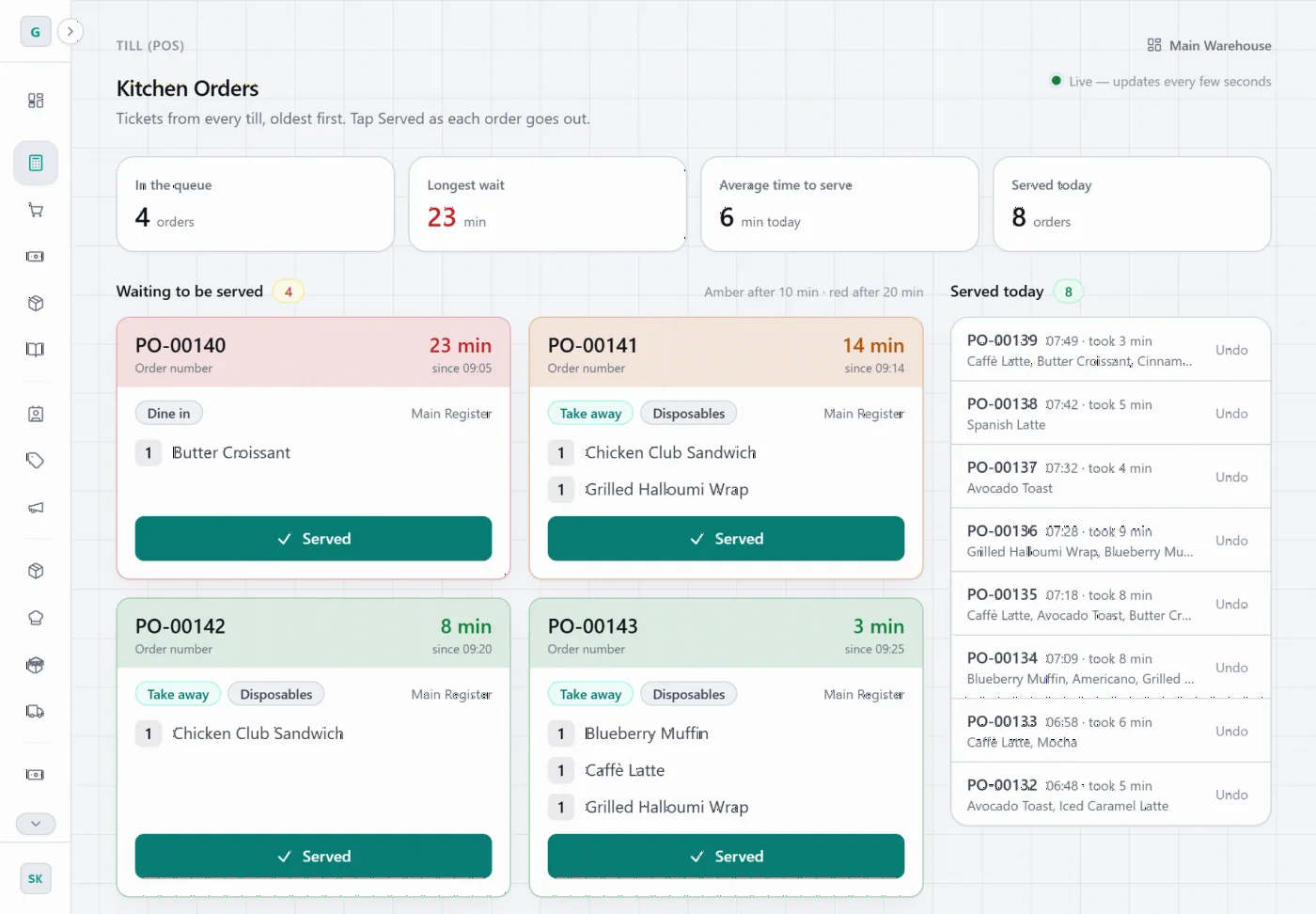
The paid order lands on the live kitchen board, oldest first, until someone taps Served.
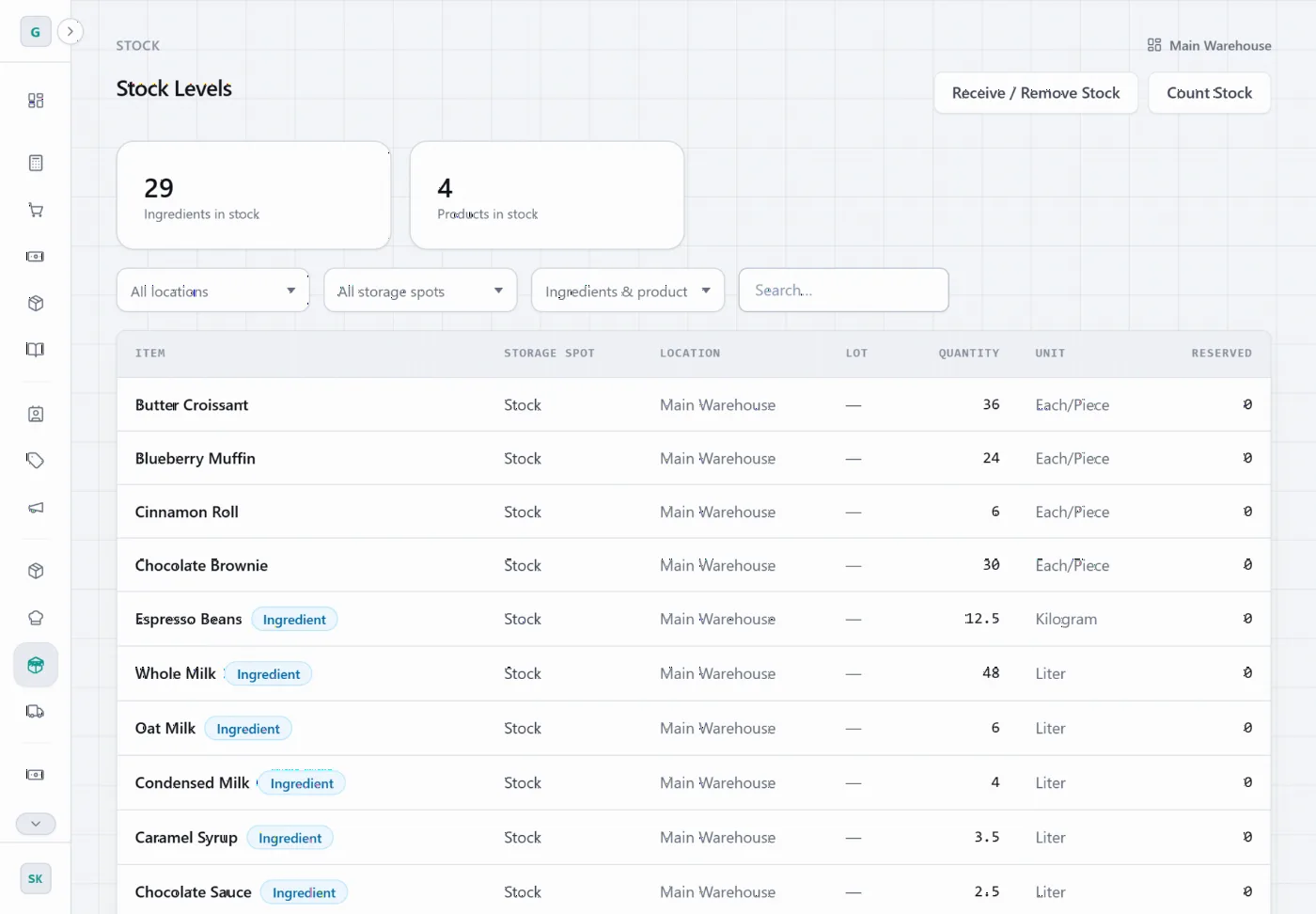
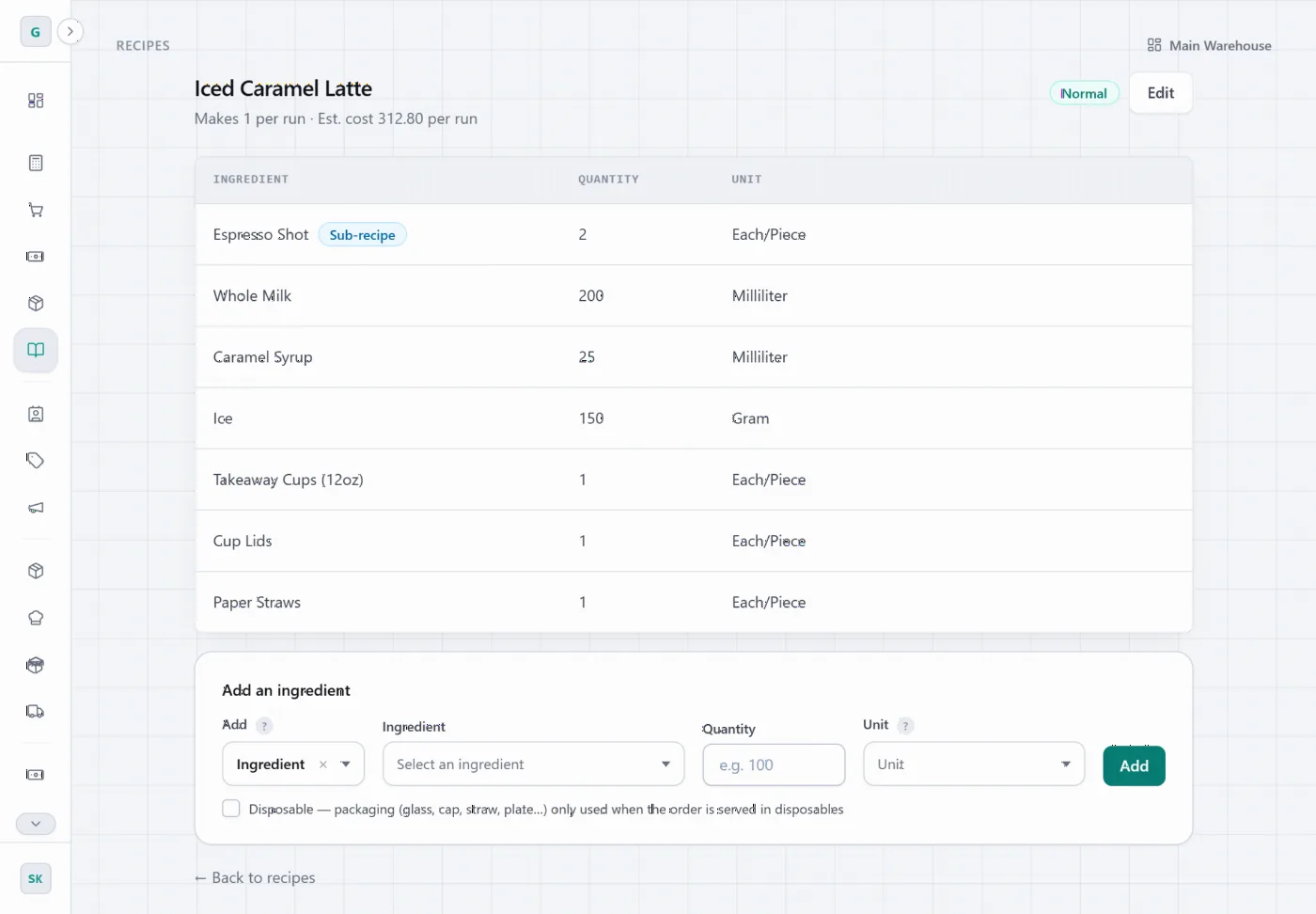
The recipe’s ingredients come out of stock — even the cup and lid for take-away.
The sale posts to your journals and ledger, ready for today’s numbers.
Features
Tap items to build an order, choose dine-in or take-away, and take cash, card or split payments with tips and discounts.
Orders from every counter land on one live board, oldest first and colour-coded by how long they’ve waited.
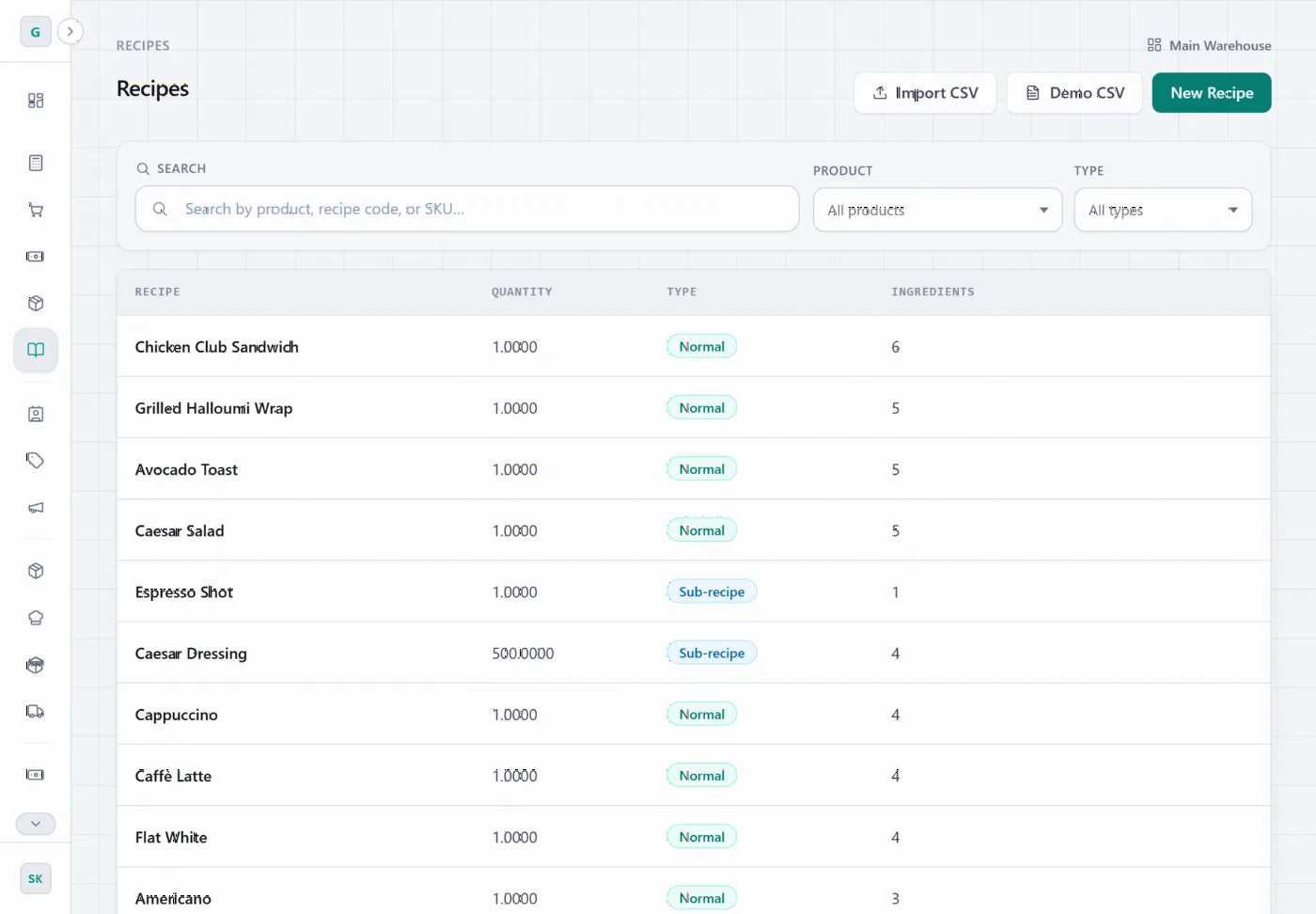
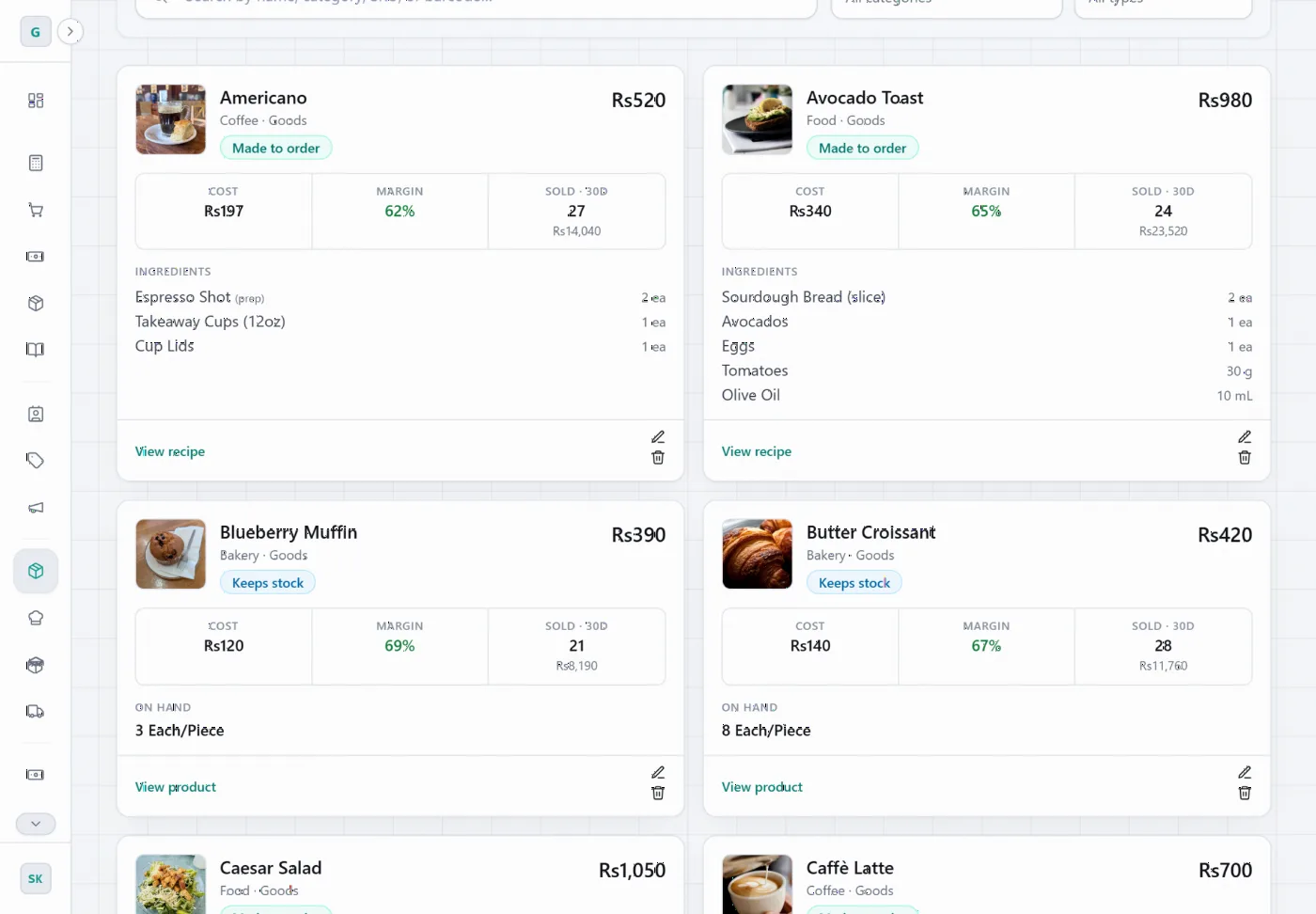
Set up each item’s recipe once — beans in grams, milk in millilitres, cups and lids for take-away.
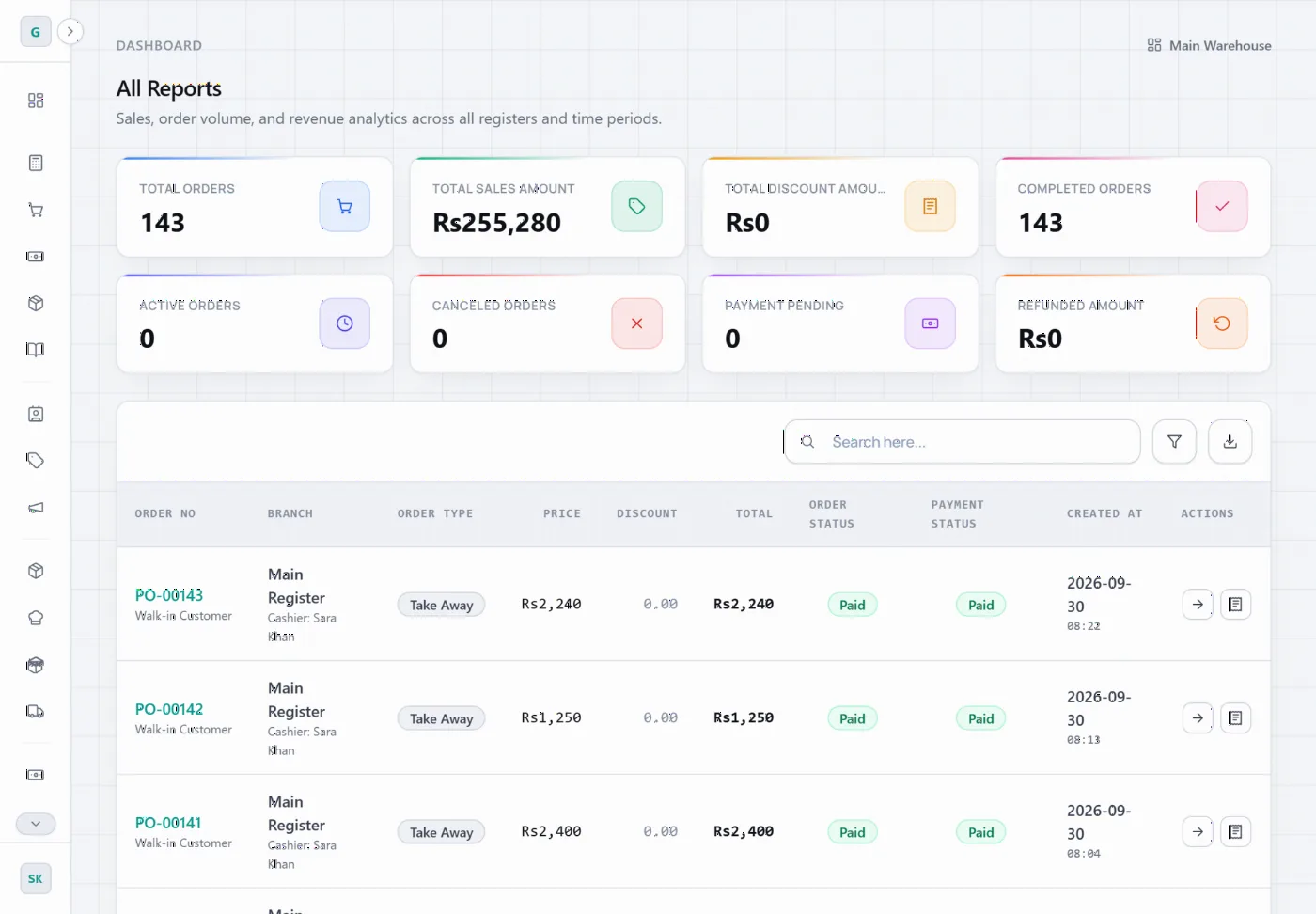
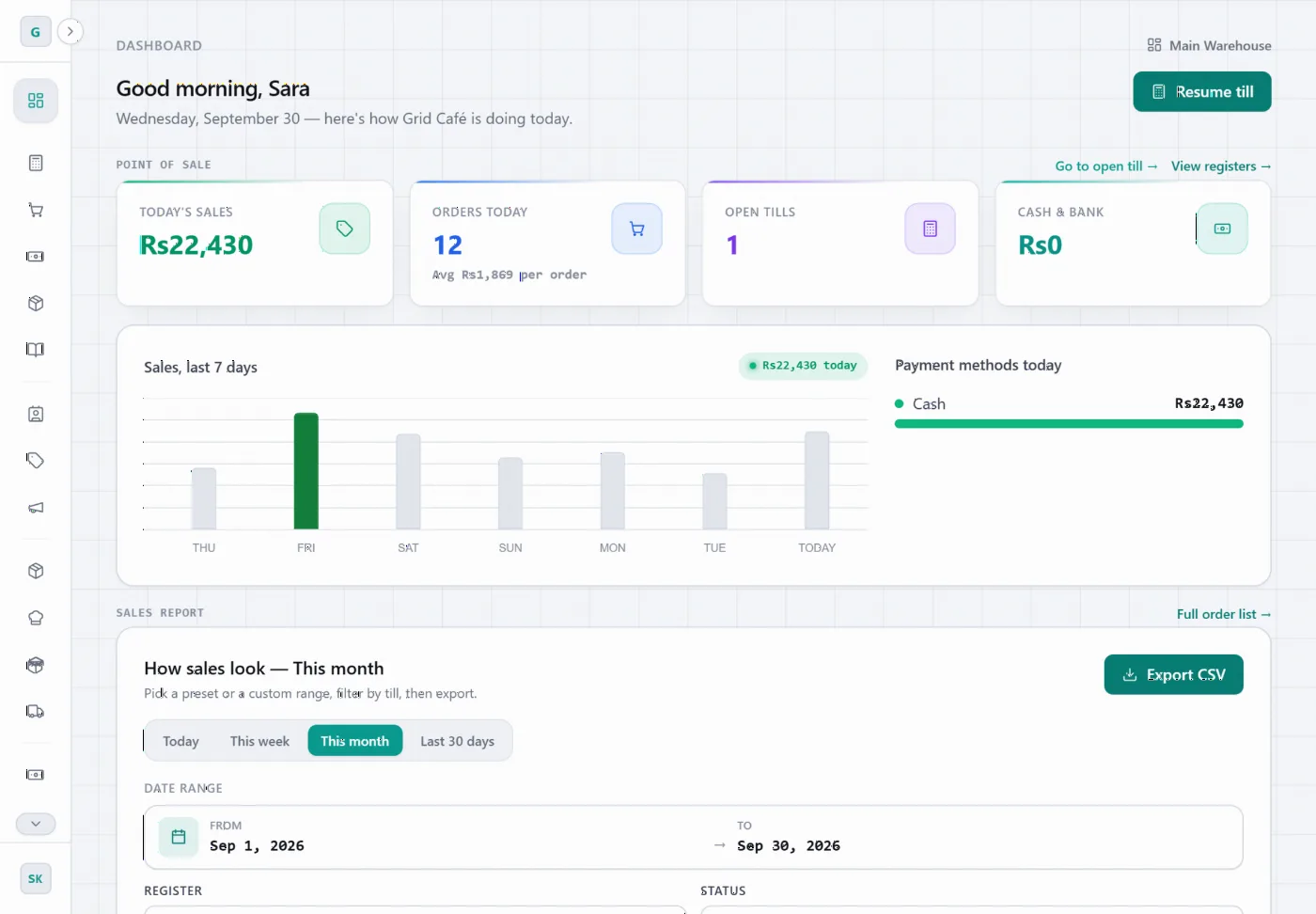
See today’s sales, orders and the last week at a glance, and export any period to a spreadsheet.
Why GRID ERP
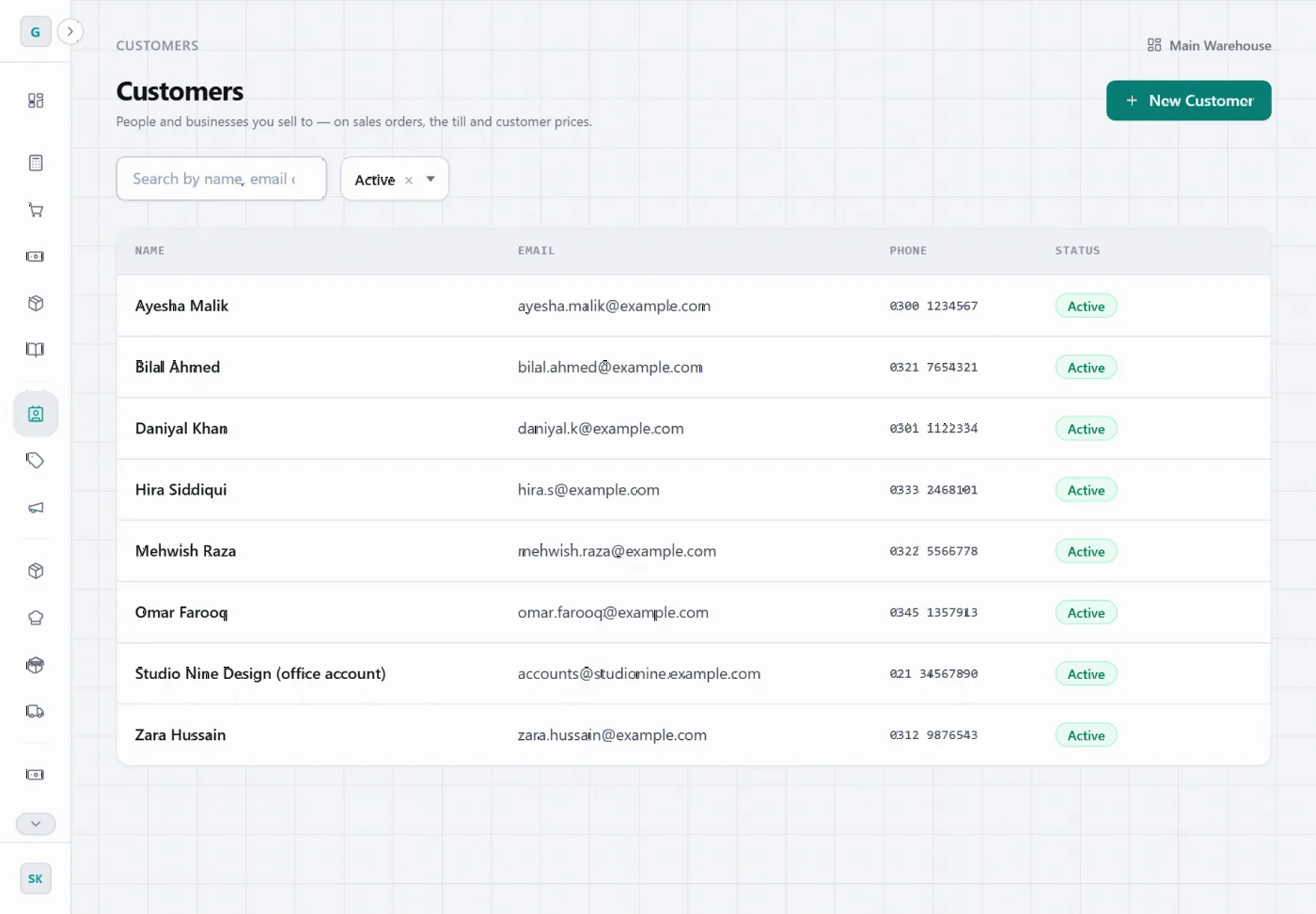
Made for cafés, restaurants, bakeries and shops — from a single counter to several branches. Switch on only the parts you need.
Cash, card and split payments, tips, discounts, and dine-in or take-away orders.
Open and close every counter with a cash count. Differences are recorded, and closing can need a manager’s approval.
Administrator, Manager and Cashier roles, a PIN for every cashier, and manager sign-off for refunds.
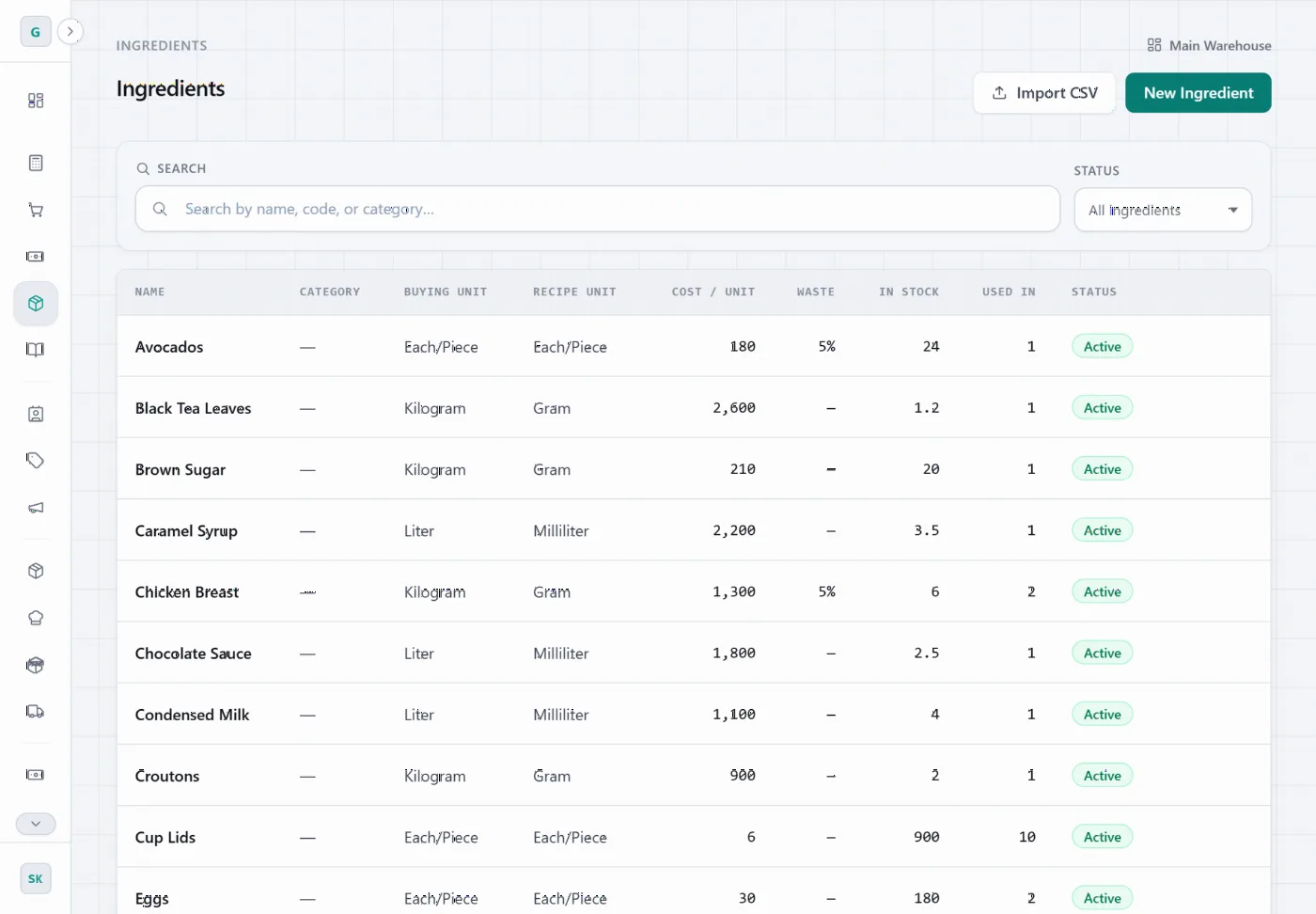
Every sale uses up its recipe’s ingredients — including the cups and lids for take-away.
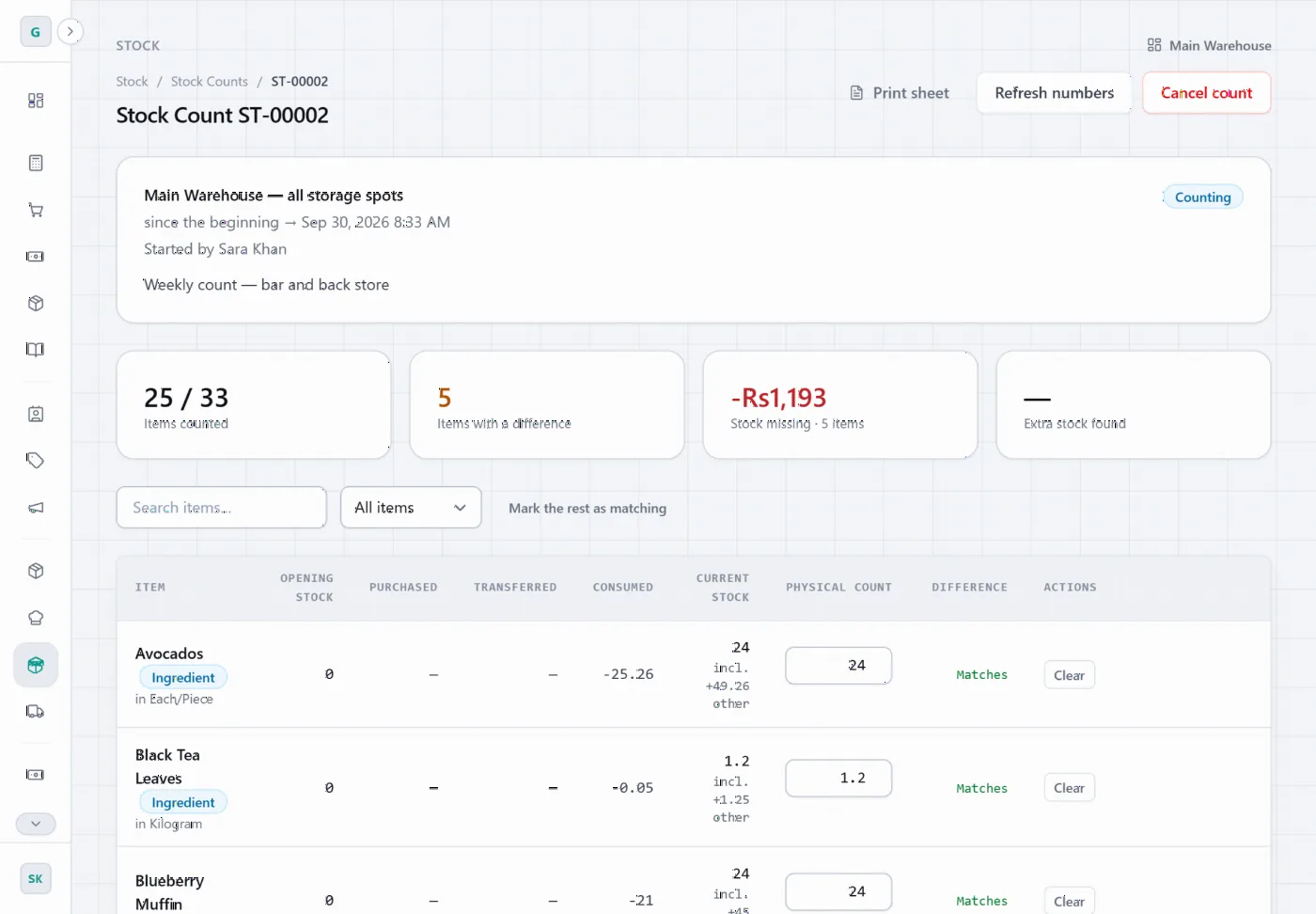
Count stock on a sheet, see what’s missing in rupees, and record why: waste, spoilage or staff meals.
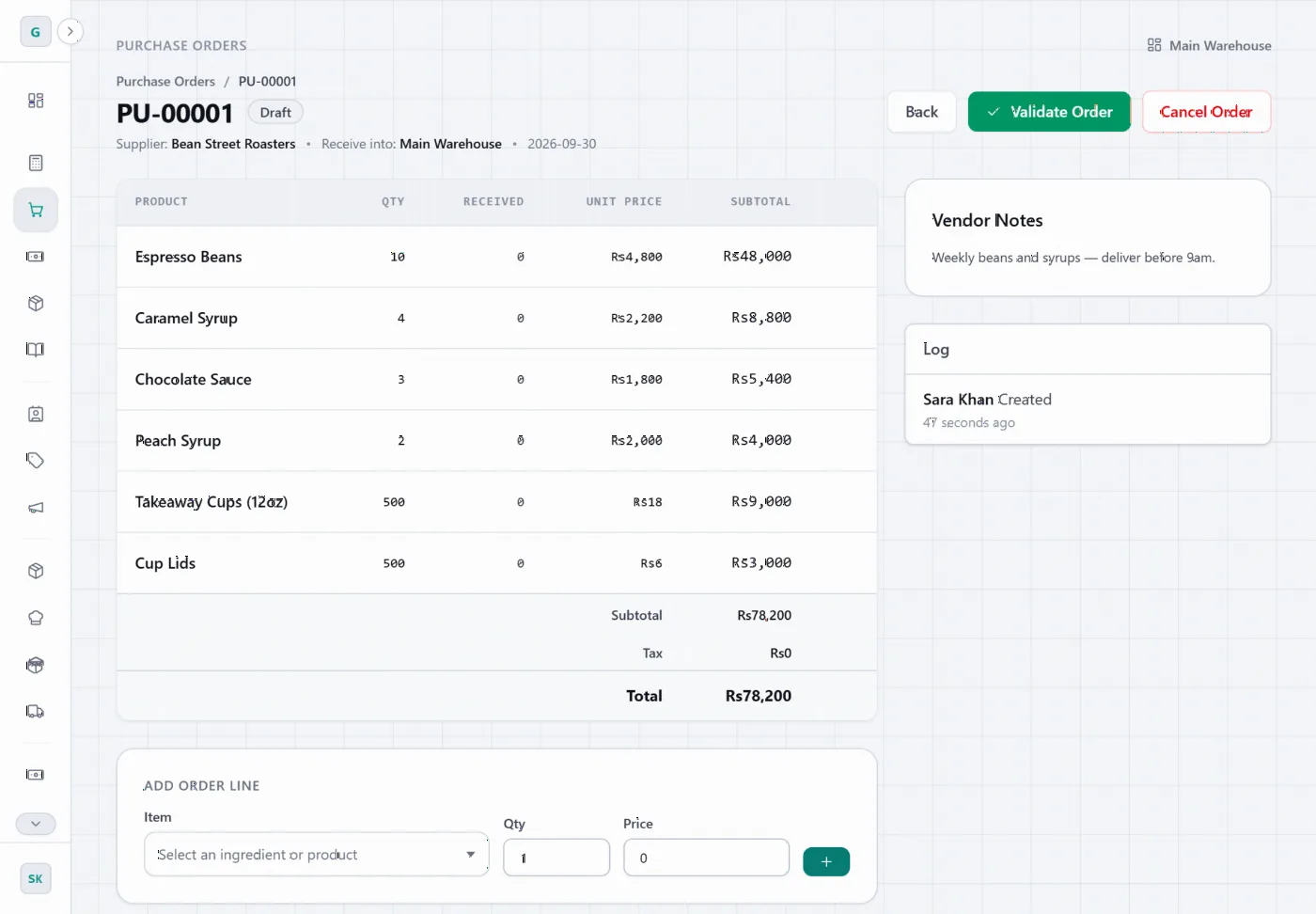
Order from suppliers, receive deliveries into stock, and keep each supplier’s prices on file.
Counter sessions, sales and purchases post to your journals and ledger automatically.
Run several shops and warehouses, move stock between them, and choose who can see which location.
FAQs
Can’t find what you’re looking for? Ask us directly.
Cafés, restaurants, bakeries, juice bars and shops — with or without a kitchen, from one counter to several branches. Beyond the counter it also covers buying, stock, bookkeeping, staff, expenses and maintenance, and you switch on only the parts you need.
You give each menu item a recipe. Every sale then uses up those ingredients, so stock levels stay current without anyone typing them in. Purchase orders add stock when deliveries arrive, and regular stock counts show what went missing and why.
Yes. Products, ingredients and recipes can all be imported from spreadsheet (CSV) files, so you don’t have to type your menu in item by item.
No. GRID ERP runs in a web browser on a tablet, laptop or desktop, and receipts print from the browser to your receipt printer.
Pricing depends on how many locations and staff you have. Book a free demo and we’ll show you the system and give you a quote.
Each business’s data is kept separate, staff only see what their role allows, cashiers use their own PIN, and changes are recorded in an activity log.
GRID ERP has a REST API covering products, orders, stock and more, so your developers can connect it to other tools.
Book a free demo
We’ll walk you through the counter, kitchen board, recipes and reports — set up for a business like yours.
We’ll get back to you by email or phone to arrange your demo.